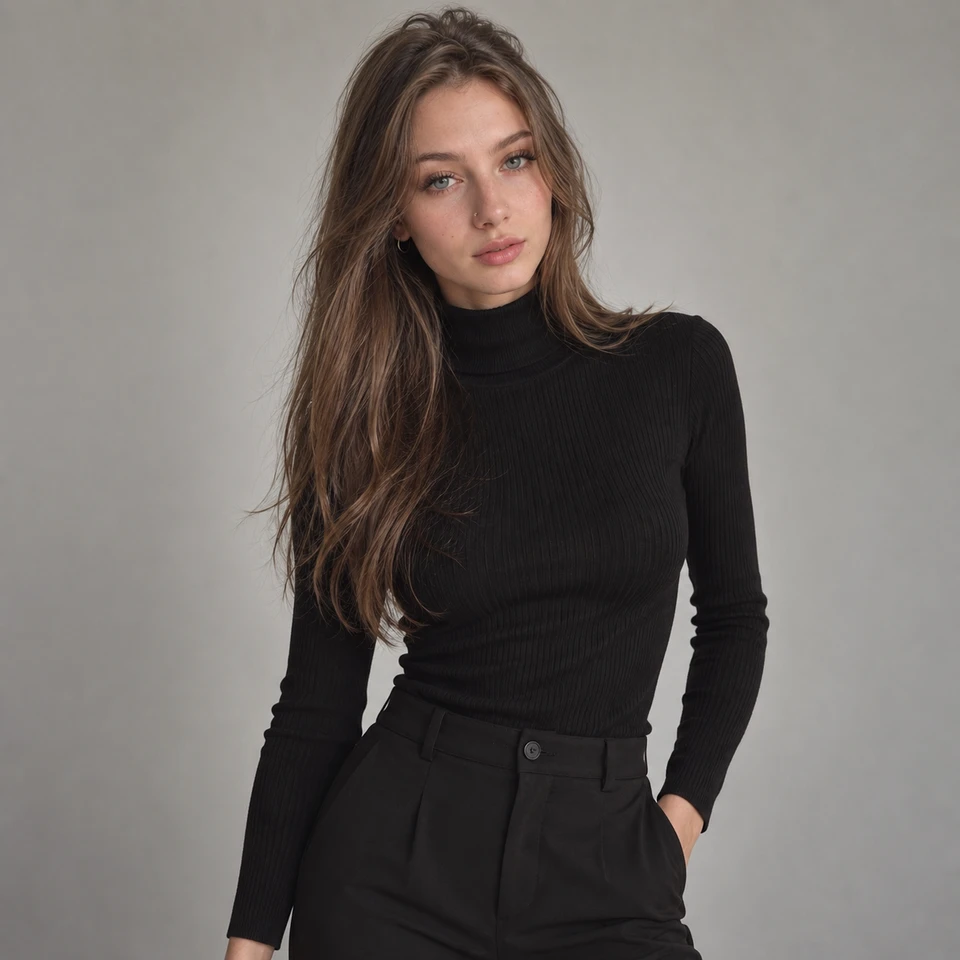
After Shower is a photo-to-video scene built around a relaxed getting-ready moment. Its current preview pairs a simple portrait with a softly lit setting, a white towel, and a gentle hair-drying movement. Open the scene to watch the example, upload your own authorized adult photo, and choose your look.
A scene with room to slow down
A small gesture can give a short video its character. In the After Shower example, the subject lifts a white towel toward her hair, then settles into a relaxed pose. Soft haze and warm background lights give the setting a quiet, getting-ready mood. The movement stays close to the face and shoulders, so the expression remains easy to follow.
The source photo begins with a black high-neck top and a plain gray background. The generated example introduces a different styled look and setting. This is one example of the scene, rather than a promise that every source image will produce the same outfit, room, or movement.
Watch the Before → After preview
The preview starts with the original photo for one second, then plays the generated clip. It repeats so you can compare the starting portrait with the movement and setting. Use the player controls to pause or replay a detail.
Choose a photo that gives the gesture space
A clear, front-facing or slightly angled portrait is a useful starting point. Keep the face readable and leave space above the head and beside the shoulders. A tight crop can make a movement near the hair harder to frame. Avoid heavy filters or blur that obscure the details you want to recognize in the finished clip.
The example uses a restrained palette: dark clothing, a pale towel, and a neutral setting. If you are planning a coordinated visual series, this guide to colors that go together offers a starting point for comparing palettes. Choose colors for the look you want, then judge how they appear in the actual result.
Try After Shower with your photo
Try the After Shower scene when you are ready. You do not need a paid plan just to select it. A free account’s available generation allowance still applies; opening a scene does not grant unlimited free videos.
- Open After Shower from the homepage gallery or the Scene page.
- Sign in and upload a photo of yourself or an adult who has agreed to the transformation.
- Choose an available outfit and review the duration and generation cost shown in the form.
- Generate your clip, then watch the complete result before downloading or sharing it.
Look at the whole clip
Watch the towel, hands, hair, and face through the movement. Check whether their shapes stay consistent and whether the lighting changes naturally. A strong opening frame is only part of a successful clip; the transition and final pose matter too.
For more ideas on keeping a short sequence focused, see our guide to planning a five-second fashion video. You can also browse the other scenes to compare their previews before choosing your next one.
People also ask
Frequently asked questions
Is After Shower available to free users?
Yes. Free and paid users can select After Shower. Account generation allowances, credit requirements, and other generation limits still apply.
Will my result look exactly like the preview?
No. The preview is an example. Your source photo, selected outfit, and the generated motion can lead to different results.
Where can I find After Shower?
Find it in the homepage’s Find your next style gallery or on the Scene page. Its dedicated page includes the preview and creation form.