YOUR PHOTO. IN MOTION.
AI Image to Video Generator
Start with a photo or video. Describe the motion. Make it your own.
Everything you need to create AI videos
Explore leading models, guide your result with a reference photo, and turn your idea into motion in one place.
ONE CREATIVE WORKSPACE
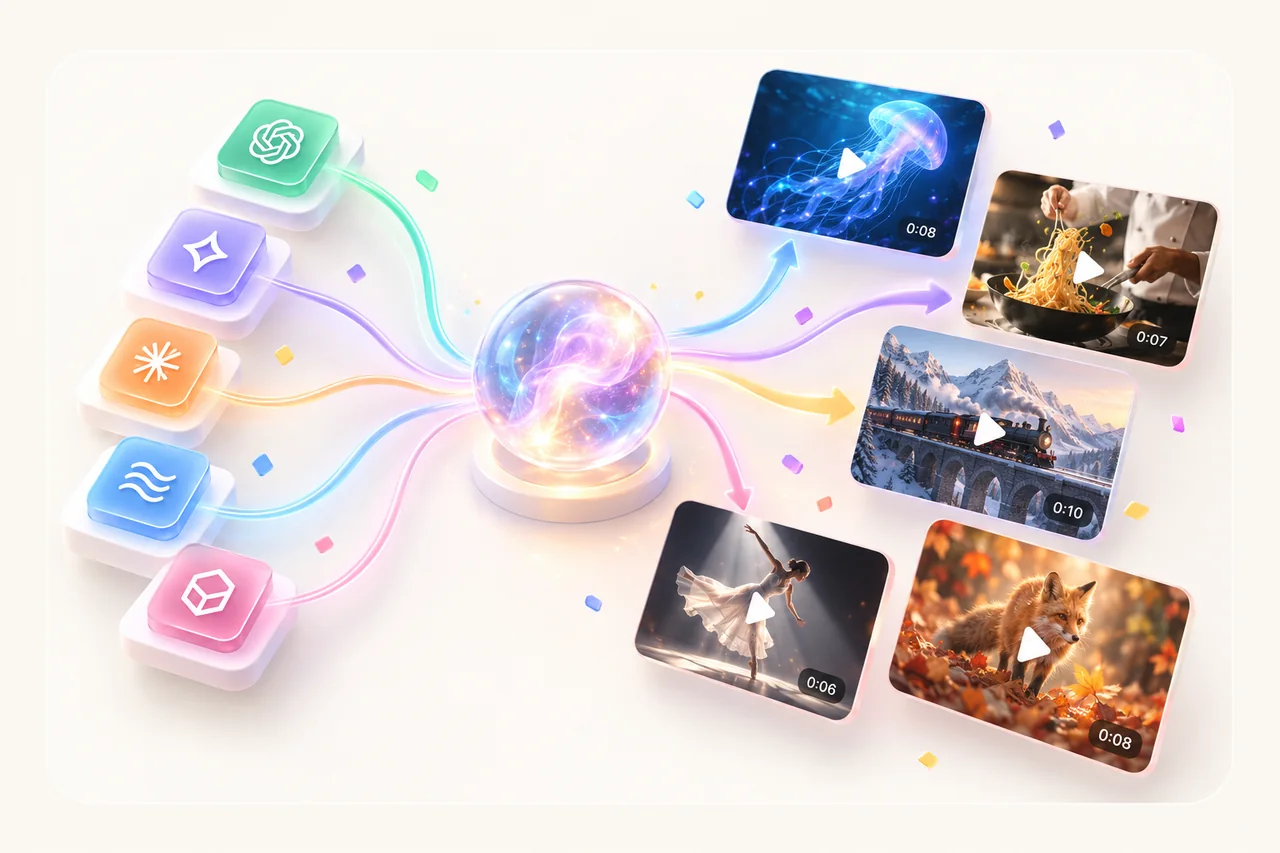
Find the model that fits your vision.
Try Grok, Seedance, Veo or Kling with your photo and direction. Use Multi-Model to compare selected models in a single run, then choose the result you like. See the duration and total credit cost before you create.
MORE VISUAL DIRECTION
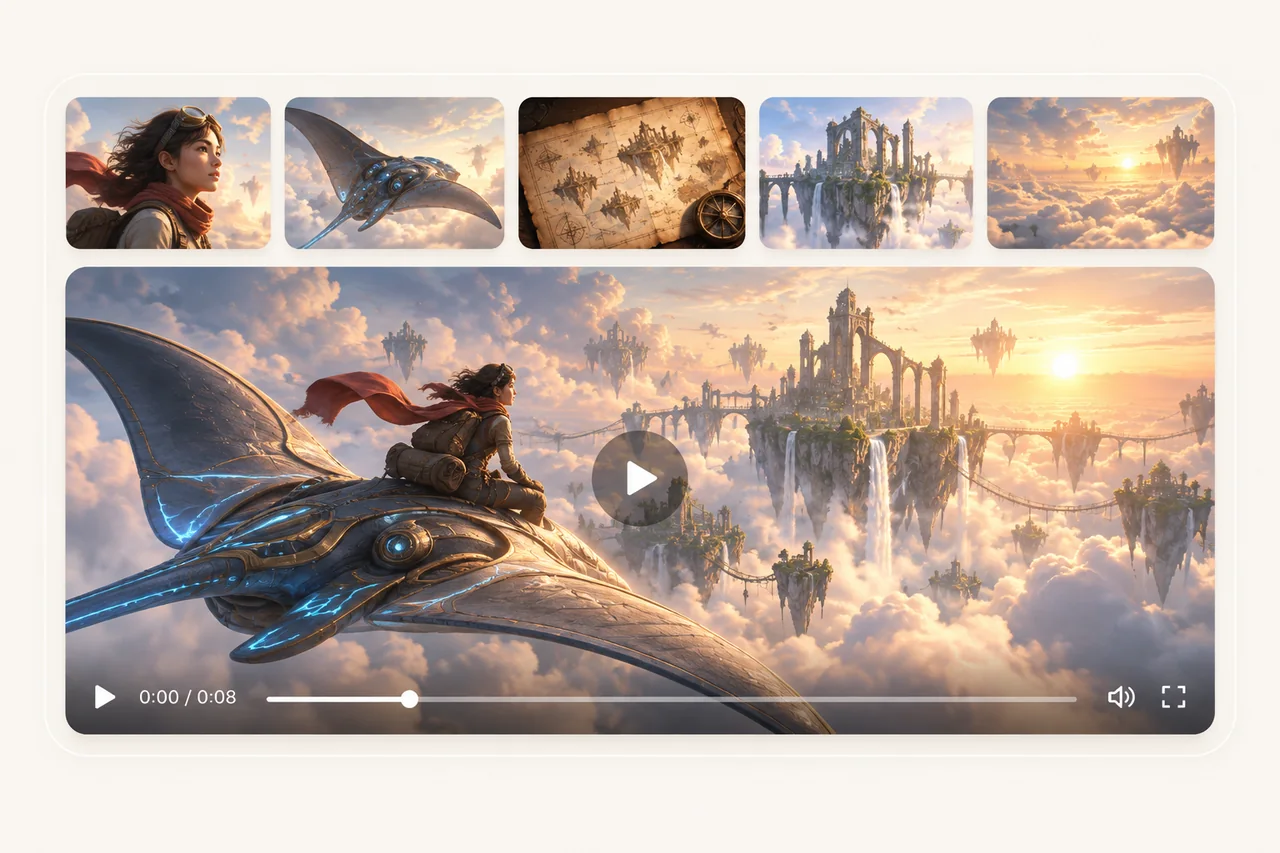
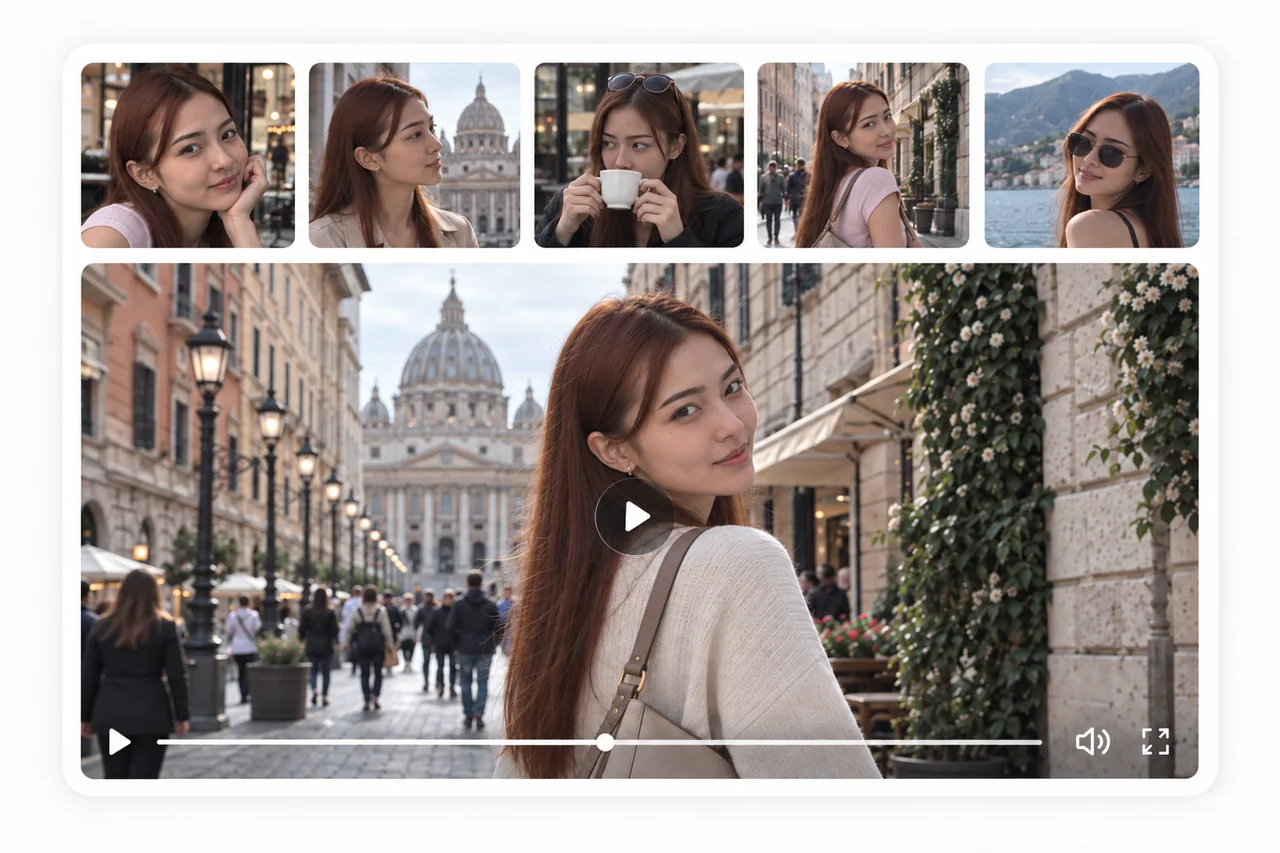
A reference helps tell the story.
Start with your main photo and add an optional second image. Depending on the model, it can guide the visual details or the ending frame. Pair it with a clear prompt to describe the movement and composition you want.
YOUR PHOTO, IN MOTION
Give a still moment a next chapter.
Describe a camera move, a change in expression or an action. Choose your model and clip length, then generate. Your completed videos appear in My Creations, ready to watch, download or extend.
A FEW GOOD ANSWERS
Frequently asked questions
Which video models can I use?+
Choose from Grok, Seedance, Veo and Kling. Open a family to see its available versions, supported durations and credit prices.
Can I compare multiple models at once?+
Yes. Choose Multi-Model and select the models you want to try. The menu shows their combined credit cost and offers durations supported by your selection. Each model creates a separate result.
How does the reference photo work?+
Upload your main file first to reveal the optional reference frame. Some models use the second photo as visual guidance; others use it as an ending frame. Reference support depends on the model.
How can I guide the result?+
Use a clear, well-lit starting image. Describe the action, pace and camera movement in plain language. Focus on a small number of movements that fit the duration you choose.
Can I start with an existing video?+
Yes. Choose Video to upload a compatible clip. Its final frame becomes the starting image for a new generation. The source clip’s motion and audio are not carried into that request.
Where are my finished videos saved?+
Your finished results appear on this page and in My Creations. From there you can watch, download or use the existing video-extension flow.